What's Poppin Reader Welcome To Content Corner!!!
Read the web version here
This week:
🚏 Automate Your Task Inside Of Your Browser
🚏 New Claude Update
🚏 New Nano Banana Prompt
and more... lets go!
Sponsored by Lions Behavior ⬅️ did you join yet
📰 Corner Newsstand
I spend way too much time doing the same things in my web browser.
- Copying data.
- Filling forms.
- Researching competitors.
- Pulling analytics.
- Switching between 15 tabs.
Not creating. Just... operating and I know I'm not the only one. So when Claude dropped their Chrome extension ... I had to share this with you.
Here's what happened.
I installed the Claude Chrome extension, opened a website, and told it to extract specific information from the page.
It didn't just read the page. It clicked. It scrolled. It navigated. It filled out a form for me.
But here's the question that stopped me: what else could this handle?
So I tried a multi-step workflow. Research a topic, pull quotes, organize them into a draft. All inside the browser.
It worked.
Not perfectly. Not every time. But enough to make me rethink how much browser work I've been doing manually that I didn't need to.
So how do you actually use this without getting overwhelmed? Let's break it down.
I'm calling this the Browser Offload System:
Step 1: Audit your browser habits for one day
Open a note. Every time you do something repetitive in your web browser, write it down. Copy-pasting data. Filling the same form. Pulling the same report.
Once you see the list, the next question becomes obvious: which of these could an AI handle?
Step 2: Start with the most boring task
Don't try to automate your whole life on day one. Pick the task you hate most. The one that drains you before you even start creating.
Give it to Claude. See what happens.
And the natural follow-up: what do you do with the time you just got back?
Step 3: Reinvest in creation
This is where most people miss the point. They save 30 minutes with AI and then scroll IG/Tikok/etc for 30 minutes.
No. That 30 minutes goes into your voice. Your content. Your community. The stuff that AI can't do for you.
Now to be honest, there are a lot of these so-called AI browser features or just browsers in general. ChatGPT has one, perplexity has won. Gemini just updated their whole Chrome look. It really goes based off of a preference.
I've been using Claude a little bit more lately, so this one is fitting me right in this season. and with this Chrome extension that Claude gives, which you can find here, it stops the conversation and actually does the execution.
In 2026, that's going to be the focus to get out of the chat conversations into actually doing the plan.
🌆 AI Alley
New week, new prompt heading your way. Here is how I created and it's prompt. Just customize it to a food you want.
Ultra-clean modern recipe infographic. Showcase [FOOD] in a visually appealing finished form—sliced, plated, or portioned—floating slightly in perspective or angled view. Arrange ingredients, steps, and tips around the dish in a dynamic editorial layout, not restricted to top-down. Ingredients Section: Include icons or mini illustrations for each ingredient with quantities. Arrange them in clusters, lists, or circular flows connected visually to the dish. Steps Section: Show preparation steps with numbered panels, arrows, or lines, forming a logical flow around the main dish. Include small cooking icons (knife, pan, oven, timer) where helpful. Additional Info (optional): Total calories, prep/cook time, servings, spice level—displayed as clean bubbles or badges near the dish. Visual Style: Editorial infographic meets lifestyle food photography. Vibrant, natural food colors, subtle drop shadows, clean vector icons, modern typography, soft gradients or glassmorphism for step panels. Accent colors can highlight key info (calories, prep time). Composition Guidelines: Finished meal as hero visual (perspective or angled). Ingredients and steps flow dynamically around the dish. Clear visual hierarchy: dish > steps > ingredients > optional stats. Enough negative space to keep design airy and readable. Lighting & Background: Soft, natural studio lighting. Minimal textured or gradient background for premium editorial feel. Output: 1080×1080, ultra-crisp, social-feed optimized, no watermark
So you already know you have to email me back about your biggest takeaway from this week's Content Corner take a screenshot and tag me in your stories (or Threads/Substack) so I know you liked this week's content. If not, I'll see you next Friday. Same time, same corner.
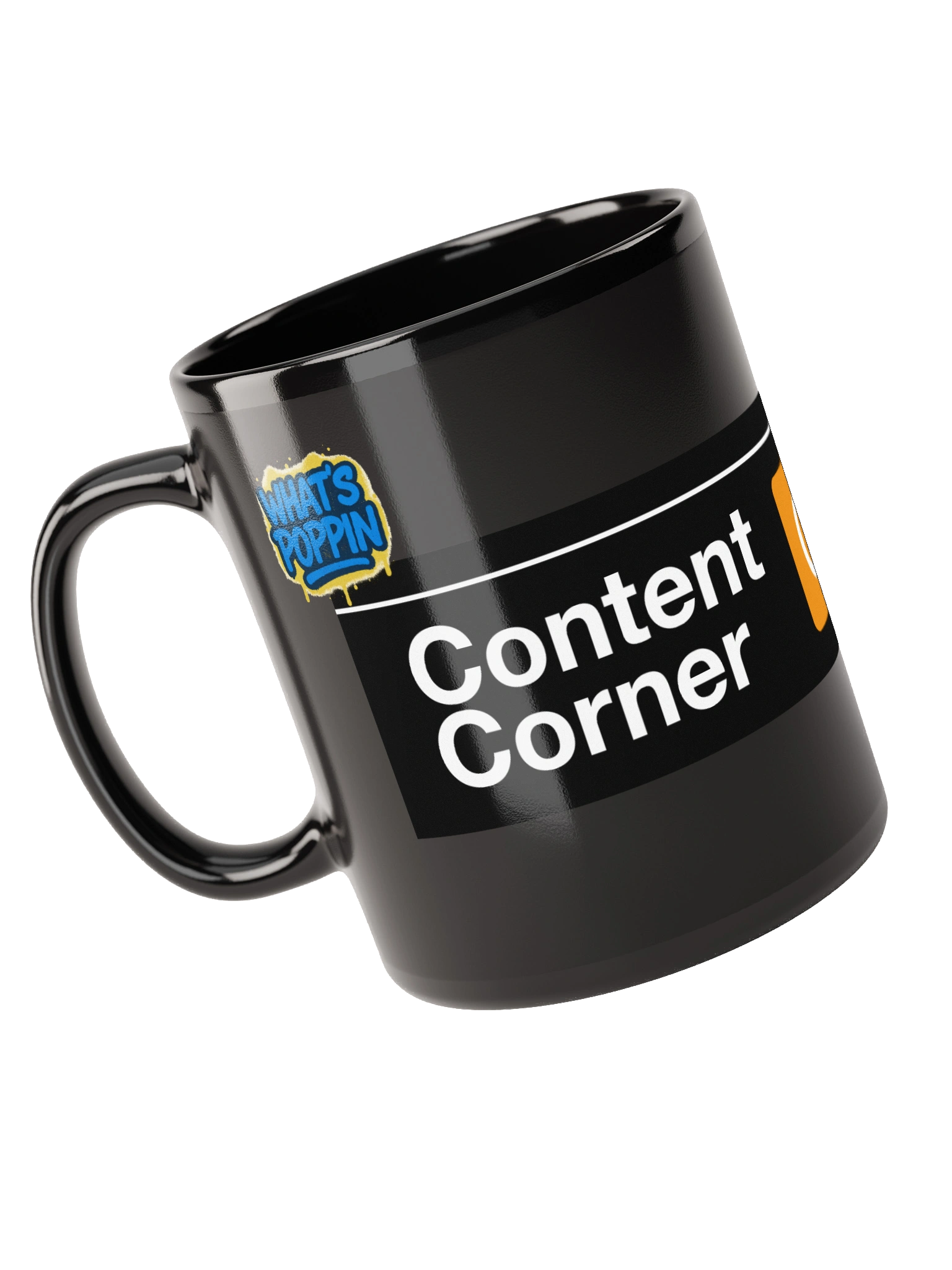
Oh before I forget...if you rock with the newsletter and it has added value to you, cop the first set of merch.
I'll Holla,
Nicky S
P.S. Whenever you are ready, here's how I can help you
- Watch my YouTube channel for full tutorials and walk-throughs on content tips, AI, and brand strategy that go beyond this newsletter.
- Subscribe to my Substack for more free written content: Click here
- Grab some merch from lionsbehavior.com
- Join my private community Lion Behavior - Test AI. Build habits. Create fearlessly with no judgement : Click Here